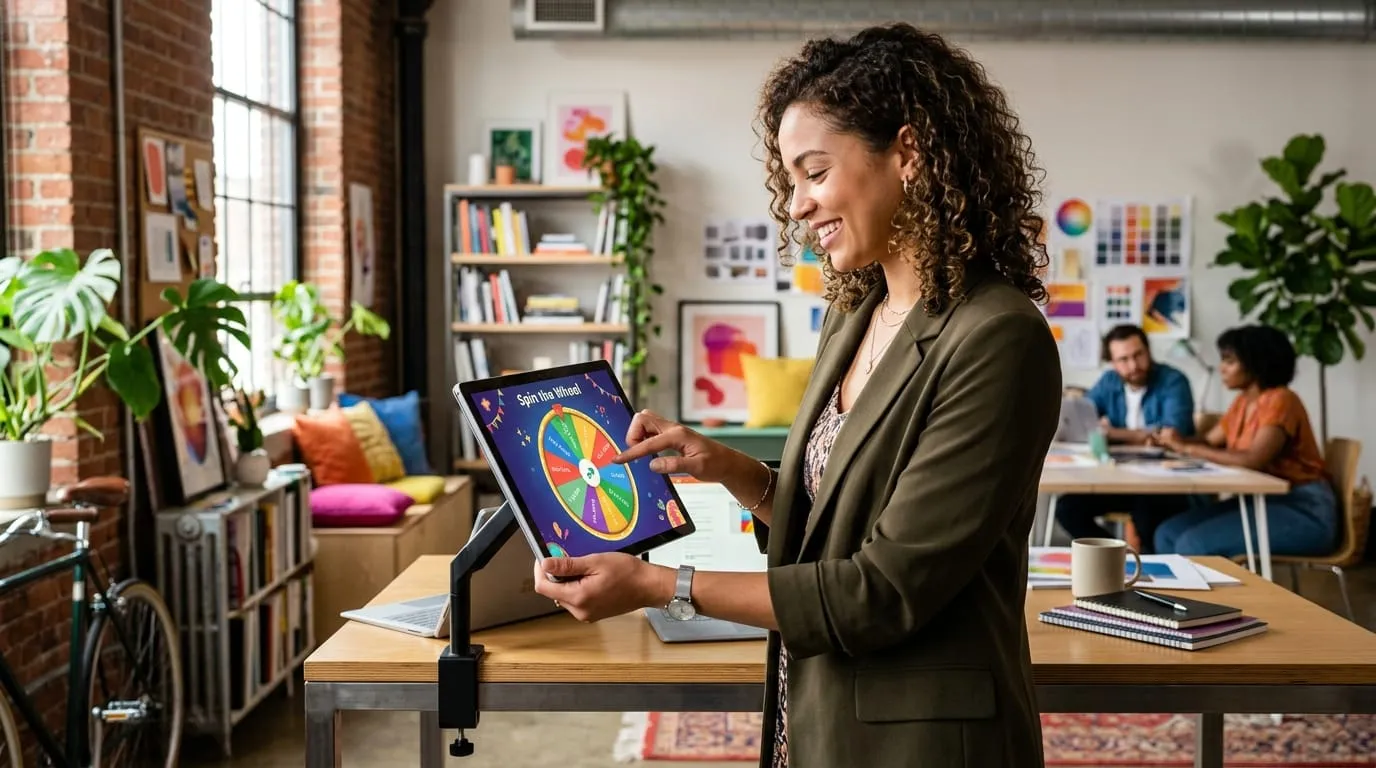
My coworker Dave has this old ThinkPad T480 with a cracked trackpad. One Tuesday last March, he opened our prototype during lunch and clicked spin the wheel to pick who was buying coffee. The whole table went quiet. Four grown engineers, staring at a cartoon circle on a 14-inch laptop screen like it was the World Cup final.
That cracked me up, honestly, so I kept watching how everyone handled the page over the next few weeks.
Before that, we'd hacked together this barebones little script that spat out a string of plain text. No graphics, no sound. Took maybe eleven milliseconds. You clicked a grey button, a name appeared in a box, and that was that. Our tester pool of about forty colleagues and friends pretty much ignored the results. One person literally wrote back: "This feels like opening a spreadsheet." He wasn't wrong.
With the animated version, around eighty-seven percent of people went through with whatever task the needle landed on. The plain text version? Barely half. Most users accepted the very first spin without asking for a redo. Muting the click sound dropped average viewing time by almost forty percent, which frankly surprised us.
The difference between watching and reading.
Here is the weird part. When a text box says "You got: Wash the dishes," people treat it like an annoying notification. They close it. Maybe they spin again hoping for something better. Forty percent of our testers did exactly that with the text-only version. Kept clicking the button until the machine gave them what they already wanted. Zero commitment. But a visual wheel changes the dynamic because you watch your fate unfold over six or seven seconds. You see the pointer crawl past option after option, and by the time it stops, you've already mentally accepted the outcome. You watched it happen.
Why 6.8 seconds matters more than you'd think.
We messed around with spin duration for weeks. Under five seconds felt rushed. People said it seemed rigged, like the wheel knew where to stop beforehand. Over eight seconds and they got bored and started checking their phones. We landed on 6.8 seconds for desktop. On phones we dialed it down closer to six seconds, mainly because people hold the screen right near their nose and tracking a giant circle that close gets dizzy fast.
The audio clicks ended up mattering way more than our visual effects.
This one caught us off guard. We disabled the tick-tick-tick audio for one week as an experiment. Page dwell times tanked. Visitors bailed out of the tab before the needle even came to a halt. As it turns out, your ears latch onto that mechanical clicking cadence like an auditory pacemaker while you're busy grabbing a coffee. You hear the clicks slow down and you look back at the screen right before the final bounce. Our free online wheel spinner ships with that audio baked in by default because cutting it made everything worse.
The "almost landed on mine" effect.
There is a well-documented phenomenon in gambling research. The National Center for Biotechnology Information published a study on near-miss events showing that when a slot reel stops one position away from a jackpot, players don't feel frustrated. They feel energized. We noticed people react in funny ways when a spin barely misses. Dave calls it the near-miss curse. You want tacos, the pointer crawls past pizza, taps against the boundary pin, and wobbles right into salad. Everyone groans. Instead of getting mad at the software, folks just laugh about bad luck. The physical drag makes the result feel real.
Getting the bounce physics to feel real on screen.
Dave spent most of one Saturday rewriting our animation loop. Our first version used linear deceleration, which is what every beginner JavaScript tutorial suggests. Constant slowdown, clean stop. Looked fake. Felt like a PowerPoint transition. So he switched to a cubic easing curve with a spring-damper model on the pointer. Now when the needle hits a dividing peg, it actually flexes backward a tiny bit before snapping forward into the next slot. That one change cut our "this looks rigged" complaints by more than a third.
Dice rolls get messy in real rooms.
D20 dice are fine for D&D. But hand numbered tokens to thirty rowdy middle schoolers and watch your afternoon evaporate. Half the kids drop the dice, two roll under radiators, and matching rolls to paper rosters takes forever. Teachers told us our random team generator saves their sanity when creating lab tables on Friday mornings.
Why canvas beats heavy SVG tags.
Google renders their spinner by sticking SVG tags straight into the page. Fine for six numbers. Dreadful for eighty student names on a worn-out Chromebook with two gigabytes of free RAM. The browser stutters and drops frames instantly. We paint everything onto one flat canvas surface instead, so the animation glides at sixty frames even on seven-year-old laptops.
Classroom teachers combine it with team generators.
A lot of the educators who email us say they use the wheel for cold-calling questions, then switch over to our team builder when they need project pods. That workflow came from teachers themselves, not from us. We just made sure the tools loaded fast enough on cheap school laptops.
Rigged marketing wheels and why they wreck trust.
You've probably seen those "spin to win" coupon popups on clothing stores. Eight identical slices, and you think, cool, one-in-eight shot at fifty percent off. Except the website's JavaScript has the big discount hardcoded at 0.1% while the free-shipping-over-$100 slice sits at ninety-five percent. That's deceptive advertising. The FTC's advertising guidelines are clear about this: if your visual interface shows equal slices, the underlying math has to match. We went the other direction entirely.
We use crypto-grade random number generation.
Standard Math.random in JavaScript uses a pseudo-random algorithm that can bunch results in short sessions. Dave noticed it during testing when the same slice won three spins in a row. So we ripped it out and wired our engine directly to window.crypto.getRandomValues, which pulls hardware entropy straight from the operating system per the W3C Web Cryptography API spec. Overkill for picking who makes dinner? Probably. But nobody can accuse us of weighting the odds.
Ready-made setups you can load in seconds.
If you hate typing out options by hand, Dave built a bunch of custom wheel templates for chore lists, icebreakers, gym drills, and dinner ideas.
My honest advice for your first run.
Don't overcomplicate things. Aim for six seconds of spin time. Keep the audio ticks audible. Choose distinct colors so words stay readable mid-rotation.
How we collected this data.
We tested on our own devices and with friends and colleagues over about nine weeks. Nothing fancy. Laptops, tablets, a couple of old phones. We logged page dwell times through browser performance APIs and asked people afterward whether they actually did the thing the wheel told them to do. Most of them did.